See also the Wang 700 Programming Calculator Simulator project
See also the Wang 1200 Word Processor Simulator project
See also the Wang Programmable Calculator Assembler documentation
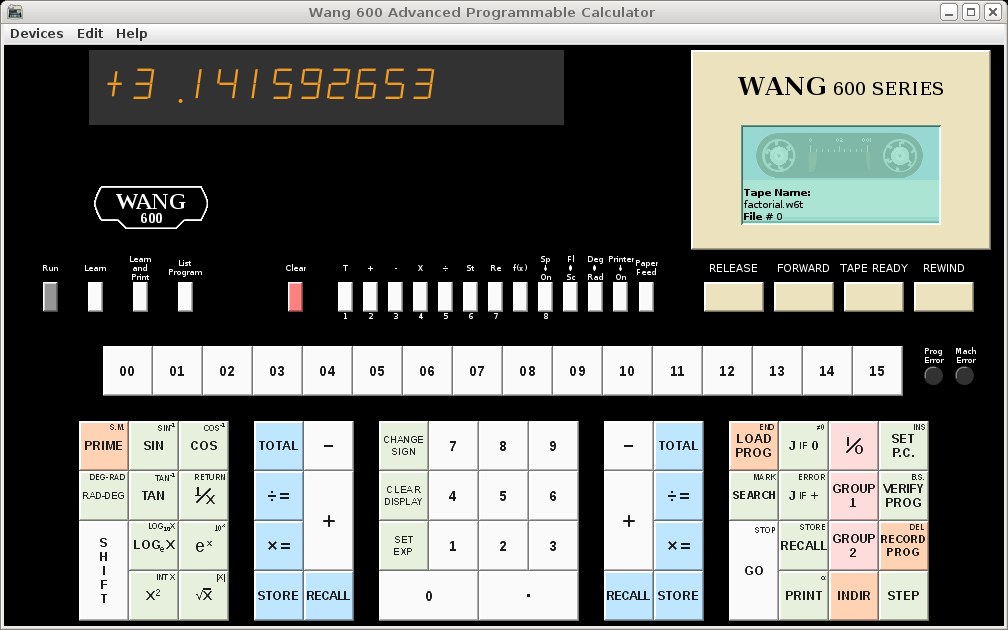
This simulator actually runs a microcode image extracted from a real Wang 600. Since it is a hardware simulator running real microcode, it can be used to discover and understand the behavior of the original Wang 600's (up to the limitations of the hardware simulation).
A particular model may be specified, which controls the amount of memory available. Model strings "600-2TP", "600-6TP", and "600-14TP" are supported. Either the model string may be added to the JAVA command line, or the "Edit"/"Preferences" menu may be used to select a model to be set in the properties file. Note that all models include the Tape and Printer options, there is no evidence (photos) that any machines were shipped without both. Also note that there are 16 registers that are not shared with program steps. Each register consumes 8 program steps. There is also no evidence that different models had different features (microcode).
| Model | Memory | Space |
|---|---|---|
| 600-2TP | 1Kx4 MOS RAM | 312 steps 55 regs |
| 600-6TP | 2Kx4 MOS RAM | 824 steps 119 regs |
| 600-14TP | 4Kx4 MOS RAM | 1848 steps 247 regs |
Note that the Wang 600 does not prevent overflow of register space, which then runs into system memory. While writing to this space is usually disastrous to normal operation of the calculator, reading of that space can be quite informative about how the calculator works.
Several peripheral/add-on devices are supported, in addition to the (normally) built-in printer and tape drive. These include:
These devices are controlled through the "Devices" menu. Additional information can be found in the Help topic "About the Simulator".
Online help is provided through the "Help" menu. This includes help running in the simulator environment as well as standard operation and programming of the Wang 600.
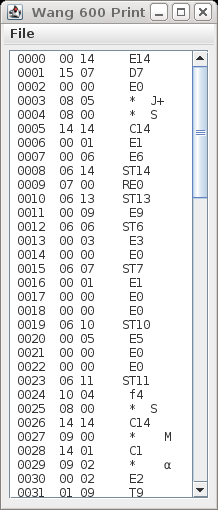
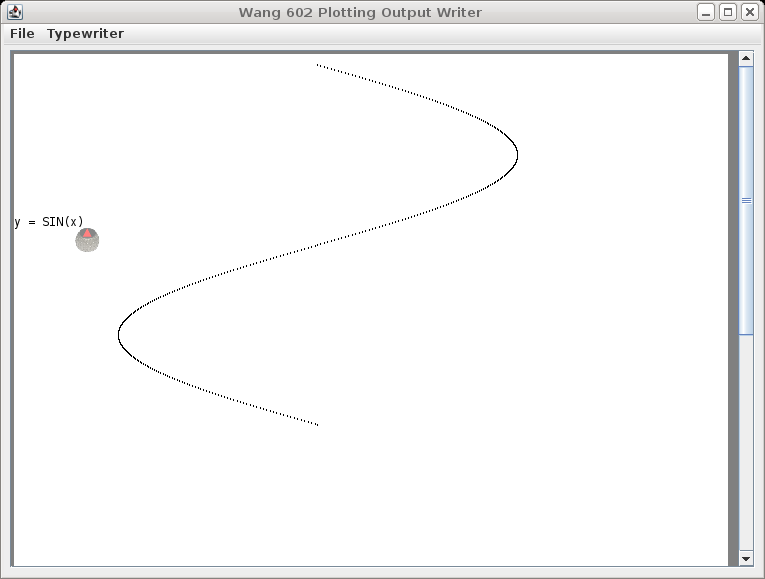
Printed output (builtin or OutputWriter) appears in separate, dedicated, windows. A menu on the window provides for Printing (to a real printer), Saving to a file, and "Tearing Off" (clearing window).
Special thanks to Rick Bensene, The Old Calculator Museum, for help and materials to make the simulator more realistic.
Also see Alf Urban's Wang 600 Emulator.
Other links of interest:
Dedicated to Harold "Pepper" Roberts, my high school computer instructor, who fought to keep, maintain, and upgrade what was, at the time, a very expensive piece of equipment for a high school to own.
As this is my first Java project, and is still evolving, it may not operate to everyone's satisfaction and I make no claims or guarantees about it's usefullness or suitability for any given purpose. It is not known to be destructive in any way, however since it does allow the user to create files there is a possibility of data loss if unintended files are overwritten.
This software is provided free of charge, including the source code. It may be modified and redistributed provided no fees are charged, original copyright notices are retained, and modifications are submitted back to the author.
Pre-built packages may be installed according to the platform. Note, this project is written entirely in JAVA, so it is likely that the provided JAR file will run on other platforms (provided the java VM is compatible).
The source may be built by unpacking the w600-sim.tgz archive (creates subdirectories "w600-sim" and "common"), changing directory to "./w600-sim", and typing "make". The simulator can be run from that directory using the command "java w600_fe". Or you can type "make install" to install into a "wang600apc" subdirectory in your home directory, which also runs the INSTALL script from there to create the "Wang600Files" folder and sample programs. Then the simulator can be run the same as for the pre-built packages (use the "run" script).
The simulator may be run in a "debug" mode by adding the "-i" option to the start command (there must be a "terminal window" kept open in order to use the debugger). In this mode, the simulator is run interactively and may be used to trace and otherwise examine the state of the "machine". Pressing '%' in the calculator window will cause a "%" prompt to appear in the terminal window. Type "go" to resume the calculator and GUI. Other commands are shown by the "help" command. The command "quit" will end the simulation (and the GUI).
Copyright © 2011, 2012, Douglas Miller